
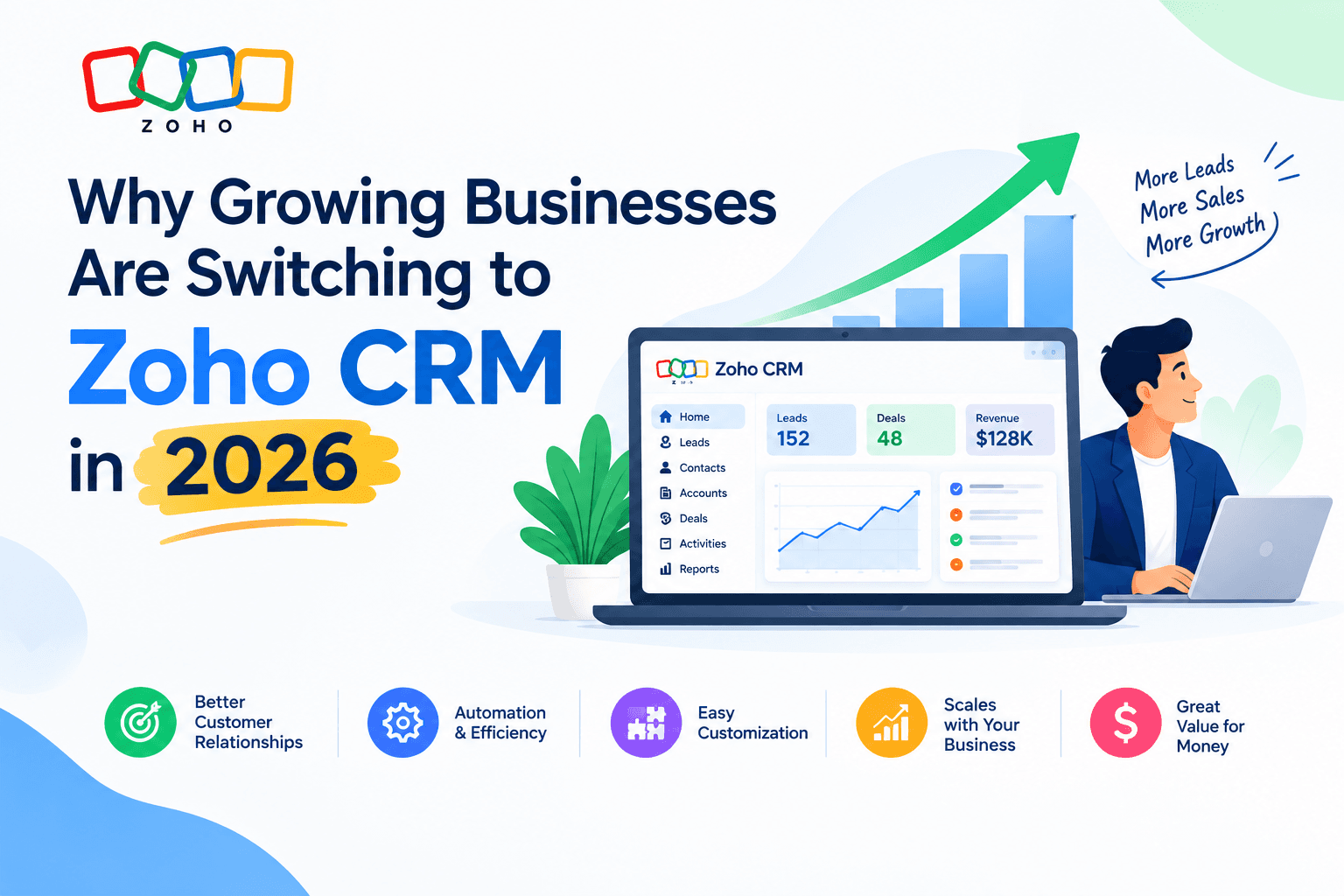
Why Growing Businesses Are Switching to Zoho CRM in 2026
There’s a specific moment most growing businesses hit.
You started with spreadsheets. Then maybe a free CRM, or whatever tool your first sales hire already knew. It worked — until it didn’t. Now you have three salespeople who each track deals differently, a marketing team that can’t see what happened after the lead was handed over, and a support inbox nobody has connected to anything.
Nothing is broken, exactly. You just can’t see clearly anymore.
That moment is when most businesses start shopping for a real CRM. And in 2026, a growing share of them are landing on Zoho. Here’s an honest look at why — including where it doesn’t fit.
The switch usually isn’t about features. It’s about the bill.
Let’s start with the part everyone actually cares about.
Zoho CRM has five editions in 2026, billed per user per month on annual terms: a free tier for up to three users, then Standard at $14, Professional at $23, Enterprise at $40, and Ultimate at $52.
Most growing teams land on Professional or Enterprise.
Put that against what a comparable Salesforce or HubSpot configuration costs for the same team, and the gap is not subtle. It’s often the difference between a CRM being a line item and a CRM being a budget conversation.
A word of caution, though, because this is where a lot of posts stop being useful: the licence is not the bill. Monthly billing runs roughly 20–35% higher than annual. And year-one implementation, data migration, and onboarding typically add another 15–25% on top of your licence cost — a number almost nobody budgets for upfront.
Zoho is genuinely cheaper. It is not free. Anyone telling you otherwise is selling something.
What actually changed: CRM became a whole-company tool
For most of CRM’s history, the CRM belonged to sales. Everyone else looked at reports.
That’s the assumption Zoho went after with CRM for Everyone, and it’s arguably the most significant shift in the product in years. The idea is straightforward: multiple teams in a business need customer information, but historically CRMs were handed only to sales teams.
What that looks like in practice:
- Teamspaces — marketing, support, onboarding, and finance each get their own space inside the same CRM, working from the same customer records.
- Team user licences — other departments join without paying full sales-seat price.
- Connected Records and Connected Workflows — a handoff from sales to onboarding to support becomes a tracked process rather than a Slack message and a hope.
For a growing business, this is the part that matters more than any feature list. Your problem usually isn’t that sales lacks a tool. It’s that nobody outside sales can see what’s happening, so work falls through the gaps between teams.
AI that’s included rather than upsold
Every CRM vendor announced AI. The question worth asking is what it costs you.
Zoho’s AI engine, Zia, is bundled into the Enterprise and Ultimate editions rather than sold as a separate add-on. In 2026 that includes prompt-based report and workflow creation — you describe what you want in plain language instead of building it — along with Smart Prompts inside records, natural-language formula generation, and Zia-powered CPQ suggestions.
Zoho also opened the platform to external models. As of the Q1 2026 update, Zoho CRM supports ChatGPT alongside its own engine, so you aren’t locked into one vendor’s AI roadmap.
The same update added Workqueue, a single view of everything a rep needs to act on that day, instead of making them tour four modules to assemble their own to-do list.
Here’s the honest framing: AI in a CRM is only as good as the data underneath it. Zia’s forecasting and scoring are genuinely useful if your pipeline data is clean and your stages mean something. Point it at a messy CRM and it will confidently tell you nothing.
The reasons businesses give for switching
Across the switches we see, the same four reasons come up:
- They outgrew the free or entry tier. Zoho’s free edition is real software, not a demo, but it caps at three users and roughly 5,000 records, with no Zia AI and limited automation. Teams hit that ceiling and have to decide.
- They were paying enterprise prices for mid-market needs. Plenty of businesses bought a heavyweight CRM, used perhaps 30% of it, and renewed out of inertia.
- They already use other Zoho apps. If you run Books, Desk, Campaigns, or Projects, the integration is native rather than a paid connector. Worth noting: Zoho CRM Plus bundles nine apps at around $57/user/month, which beats standalone Enterprise at $40 once you need more than two of them.
- Customisation without a developer contract. Custom modules, Canvas layouts, Blueprint process management, and Kiosk Studio let you shape the CRM to how you actually work — without a change request and an invoice for each adjustment.
Where Zoho CRM is the wrong answer
If a post about a CRM never tells you when not to buy it, it’s an advertisement. So:
Everyone shares one edition. This trips people up constantly. One power user who needs an Enterprise feature moves every seat to $40. Price the tier your most demanding role requires, multiplied by every seat — not an average.
It needs more setup than the simple tools. Zoho is cheaper than Salesforce but takes more configuration than something like Pipedrive. If you want a CRM that’s useful on day two with almost no thought, that’s a real trade-off against you.
The suite is a commitment. The integration advantage cuts both ways. The more Zoho apps you adopt, the more expensive it becomes to leave.
Very large or highly regulated deployments. At serious enterprise scale, with complex compliance requirements and a large in-house admin team, the calculus can genuinely favour a different platform.
The cheapest CRM is the one your team actually updates. A tool nobody uses is a 100% waste regardless of the sticker price.
How to evaluate it without wasting three months
If you’re considering the switch, a practical sequence:
- Write down your sales process first — stages, handoffs, what triggers what. Do this before you look at any software. If you can’t describe your process, no CRM will fix it.
- Count your seats honestly, including the non-sales people who’ll need access, and check whether team user licences cover them.
- Identify your most demanding requirement and find the lowest edition that covers it. Don’t buy a whole tier for one feature you could add à la carte.
- Run a real pilot with your actual data and two or three real deals — not the demo dataset.
- Budget the setup hours, not just the licences. This is the single most common planning failure.
Prices and regional rates change, so confirm current numbers on Zoho’s official pricing page before committing.
The short version
Zoho CRM is winning switches in 2026 for an unglamorous reason: it delivers most of what a growing business needs from an enterprise CRM, at a price that doesn’t require board approval, with AI included rather than upsold, and with a structure that finally lets teams outside sales participate.
It isn’t the right tool for everyone. But for a business somewhere between “spreadsheets stopped working” and “we need a full enterprise platform” — which is most growing businesses — it’s a genuinely strong fit.
The gap between Zoho’s price and its value gets closed by configuration, not by the invoice. Whatever you choose, commit the setup time.
Book a Zoho CRM Consultation
At KGCRM Solutions, we help growing businesses implement Zoho CRM properly — mapping your existing process, migrating your data cleanly, and configuring the system so your team actually uses it. If you’re weighing a switch and want a straight answer about whether Zoho fits your business, get in touch for a no-obligation assessment.

About the Author
Parveen Kumar | Founder @ KG CRM Solutions
Parveen Kumar is the founder of KG CRM Solutions, a Zoho Authorised Partner based in Mohali, Punjab. He has been building Zoho systems for businesses across India, the UK, Australia, Canada, and the US for over 8 years, specialising in Zoho CRM, Zoho Creator, Deluge scripting, custom integrations, and widget development.